

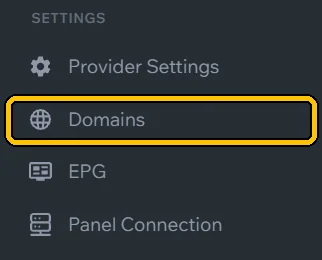
In the menu, click Domains.
In Domain Groups, click + and create a group (e.g. Main). DNS 1 and DNS 2 will both go in it.
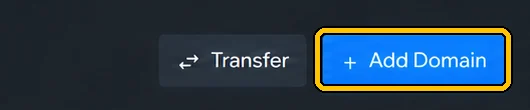
Click Add Domain.
In Domain, type the address without
http://. For Port and Protocol, use your server details. Name it in Label (e.g. DNS 1), pick the group in Group and click + Add Domain.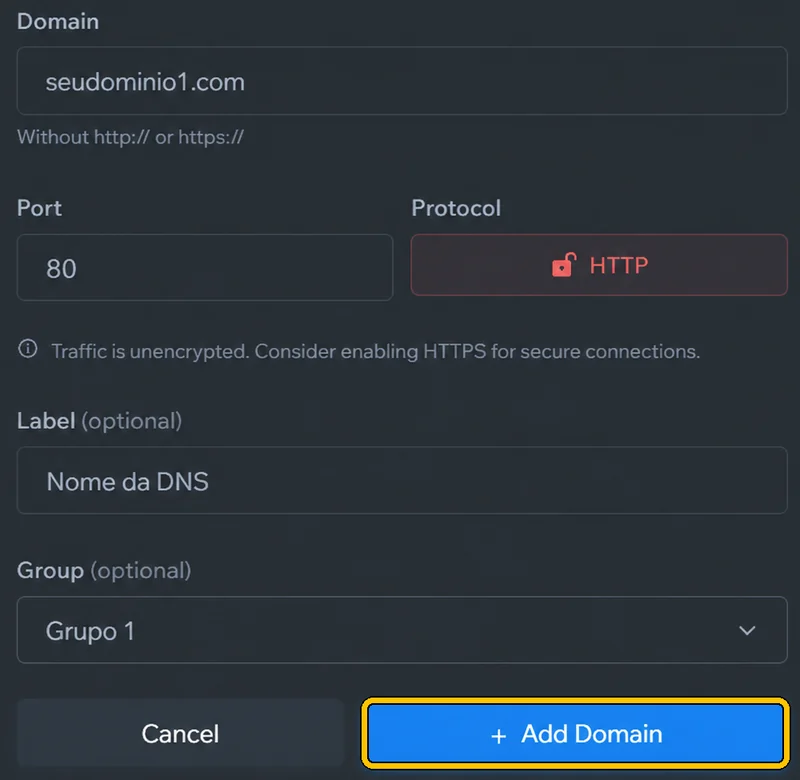
Repeat for the second one (DNS 2), in the same group.
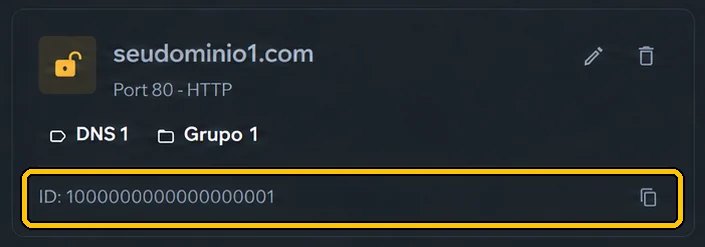
Each DNS gets an ID (numbers only): Sigma and your system ask for it. Copy it with the icon next to it.
Use a DNS just for MaxPlayer, kept out of your resellers’ lists and apps. If the public DNS is attacked, your MaxPlayer customers stay online.
In the Telegram assistant, DNS entries in the same group go together in the login: the customer gets DNS 1 and DNS 2.