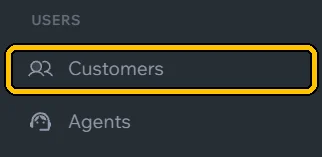
In the menu, click Customers.
Click Add New User.

In Domain, choose the DNS. Type the customer's list IPTV Username and IPTV Password. Keep Use IPTV credentials for MaxPlayer on: the customer signs in to the app with that same username and password.
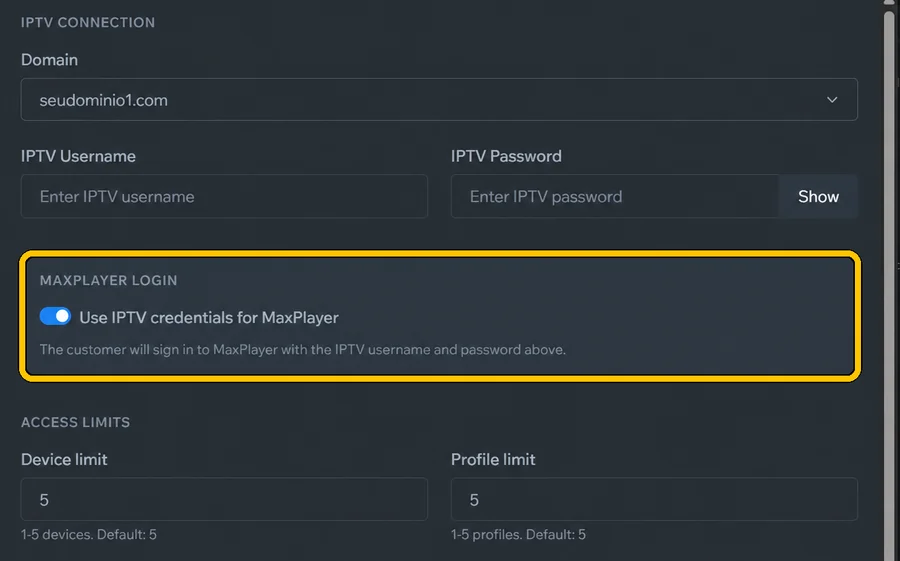
In Device limit and Profile limit, set how many devices and profiles (1 to 5).
Click Create User. Then send the customer the ready-made message with the username, password and install link.

 Solutions Help
Stage 2 of 4 · Set up the panel
Create a customer login in 1 minute
By hand, in the panel. Want it in seconds? Use the Telegram assistant.
This page: https://ajuda.solutionsapp.site/en/create-customer/